LiDAR Over the Air
Turn your iPhone into a professional spatial capture tool. Stream depth, color, and point cloud data over the network in real time — no expensive hardware required.
Coming Soon on the App StoreSee what it does
Turn your iPhone into a professional spatial capture tool. Stream depth, color, and point cloud data over the network in real time — no expensive hardware required.
Capture Modes
Switch between modes in real time. Every mode leverages your iPhone's LiDAR sensor and full camera array.
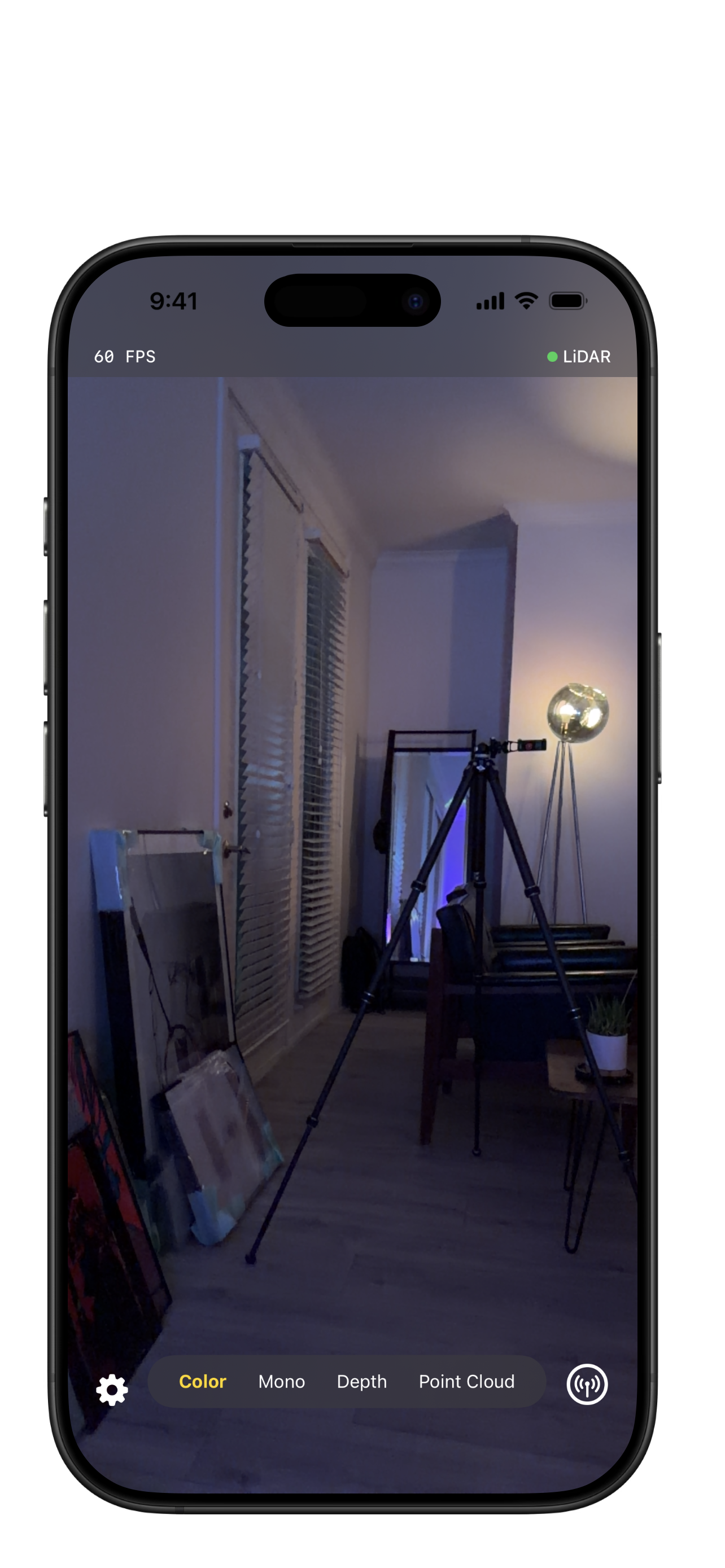
Live RGB camera feed at 60 FPS with real-time LiDAR depth fusion. What you see is what you capture.
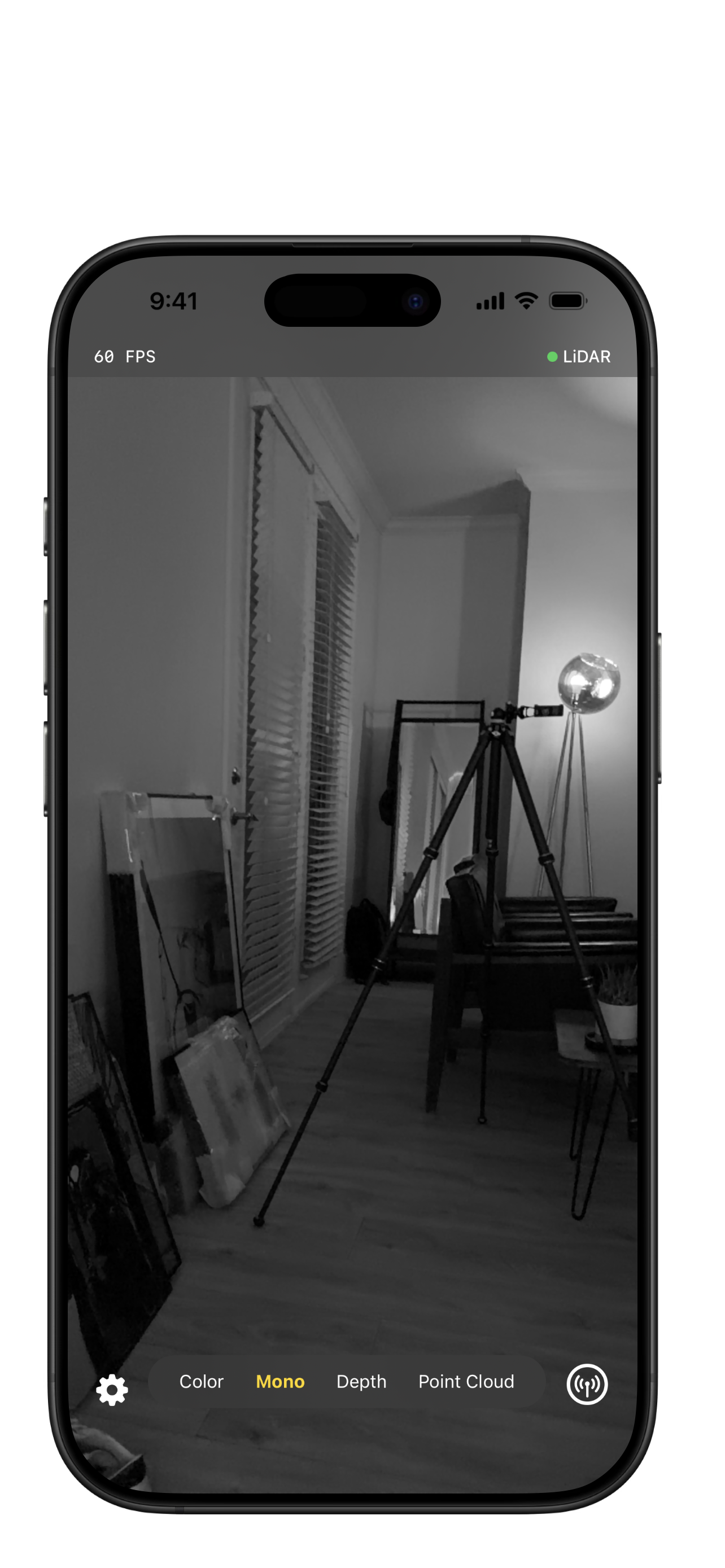
High-contrast grayscale feed — ideal for low-light environments and precision spatial scanning.
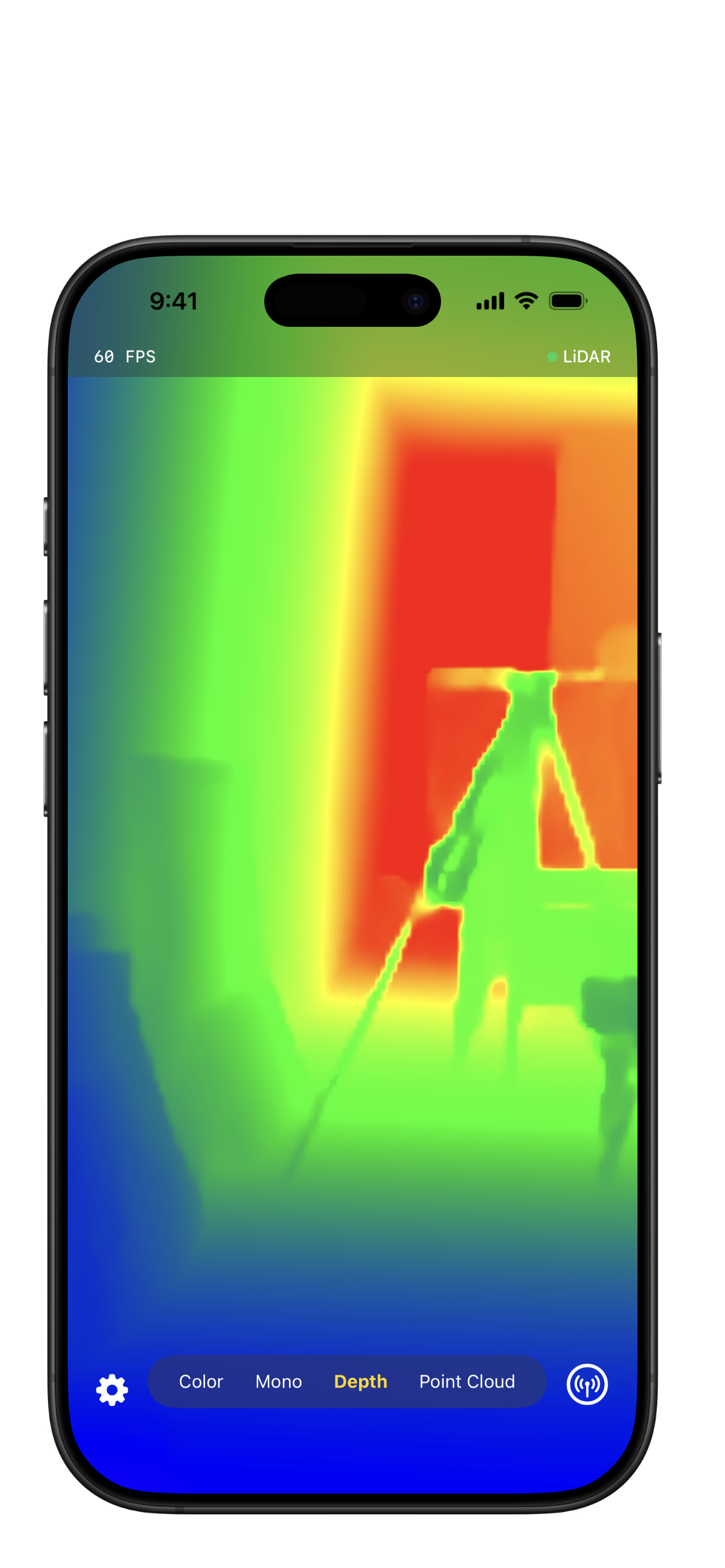
LiDAR depth visualization with 9 selectable colormaps including thermal, incandescent, and deep sea.
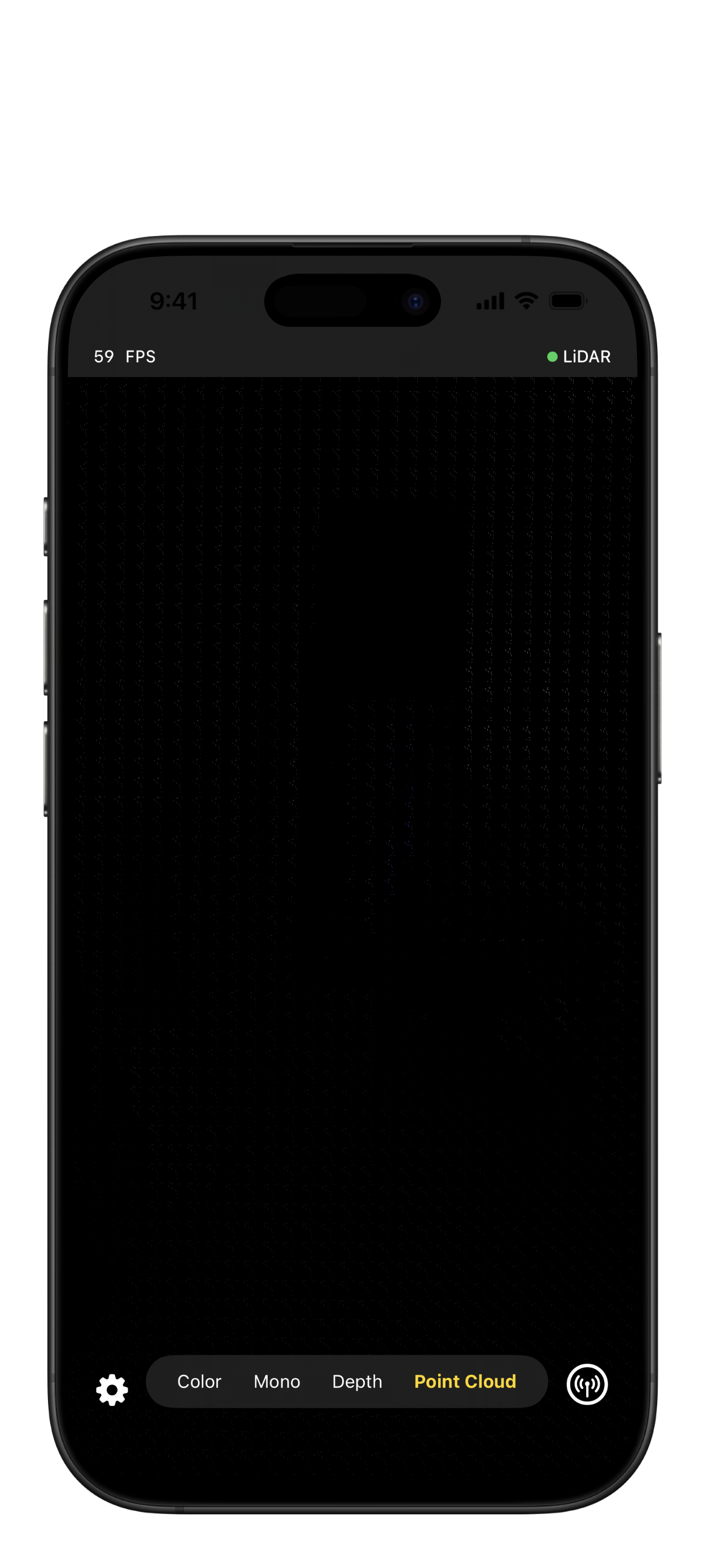
Real-time 3D point cloud with true RGB colors. Configurable frame window and point density up to 12,500 points per frame.
Network Streaming
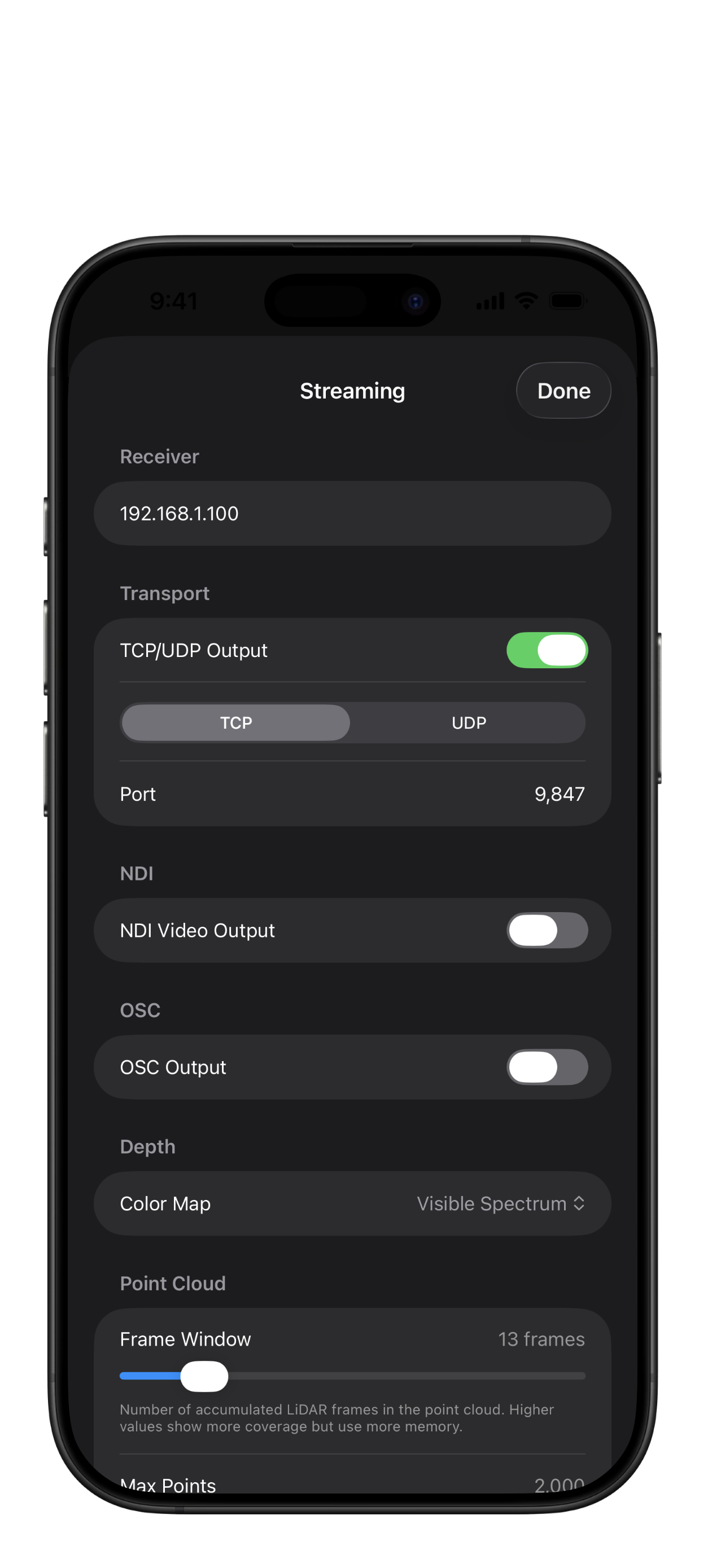
Send LiDAR depth, color, point cloud, and camera tracking data over the network in real time. Four protocols, all independently configurable, all running simultaneously.
In Action
Stream live point cloud data from your iPhone straight into TouchDesigner. No capture cards, no expensive rigs — just your phone and a Wi-Fi connection.
3D Export
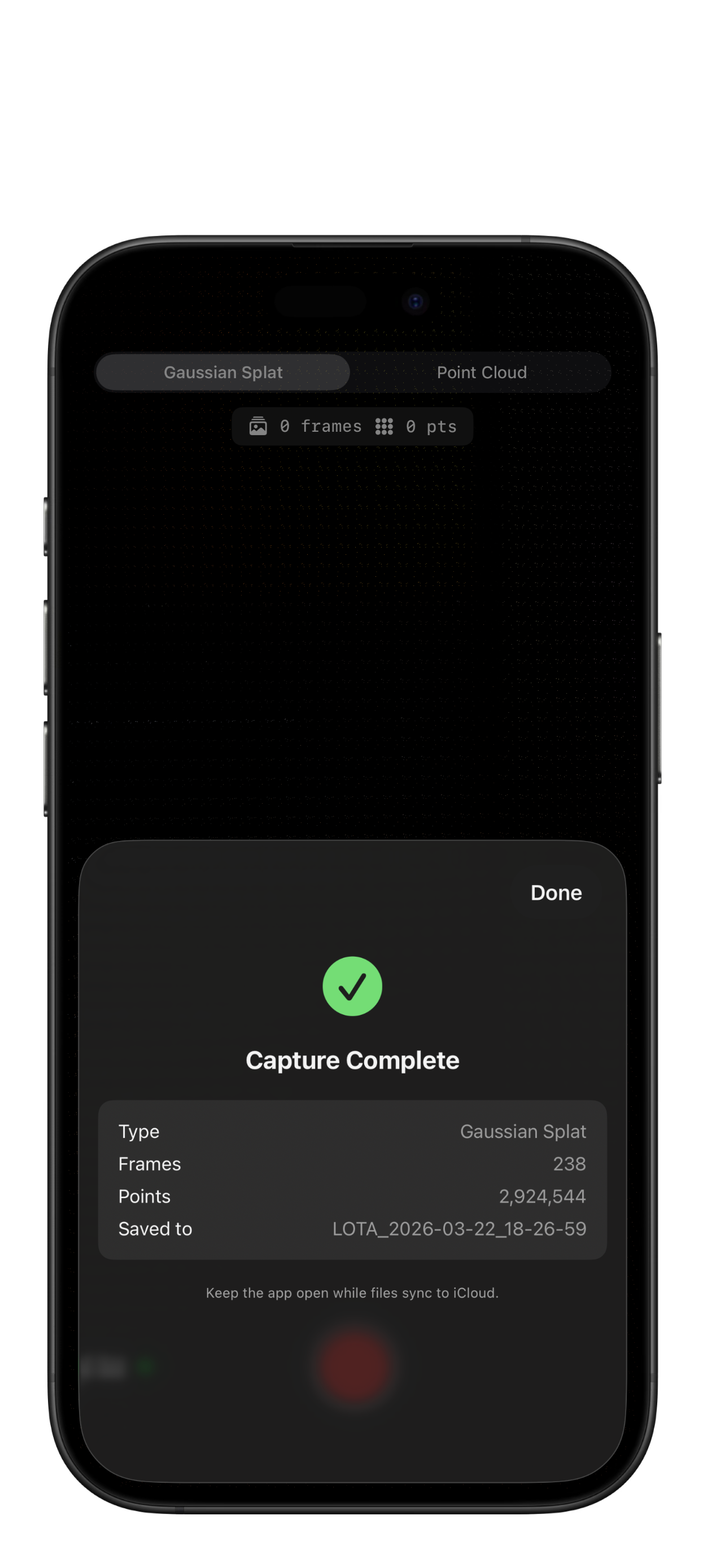
Capture posed camera frames with ARKit intrinsics, extrinsics, and LiDAR point clouds. Export COLMAP-compatible binary datasets ready for training with OpenSplat, Nerfstudio, or gsplat — directly from your iPhone.
COLMAP-compatible export — cameras.bin, images.bin, points3D.bin
Standalone PLY export — unlimited point accumulation across your entire session
iCloud sync — pick an export folder and captures sync automatically
Compatible everywhere — Blender, CloudCompare, MeshLab, and any PLY tool